Connecting multiple sites (portfolio)
If you run more than one membership site, you can connect them all to a single MembersIntel account and work across them.
Connecting each site
Every site connects the same way — install the MembersIntel Connect plugin on that WordPress site and pair it with your account. Each site syncs its own MemberPress data. See Connecting your MemberPress site for the steps.
To add another site, go to Settings → Connected Sites and choose + Connect another site. Each site you add appears here as its own card and rolls up under your one MembersIntel account.
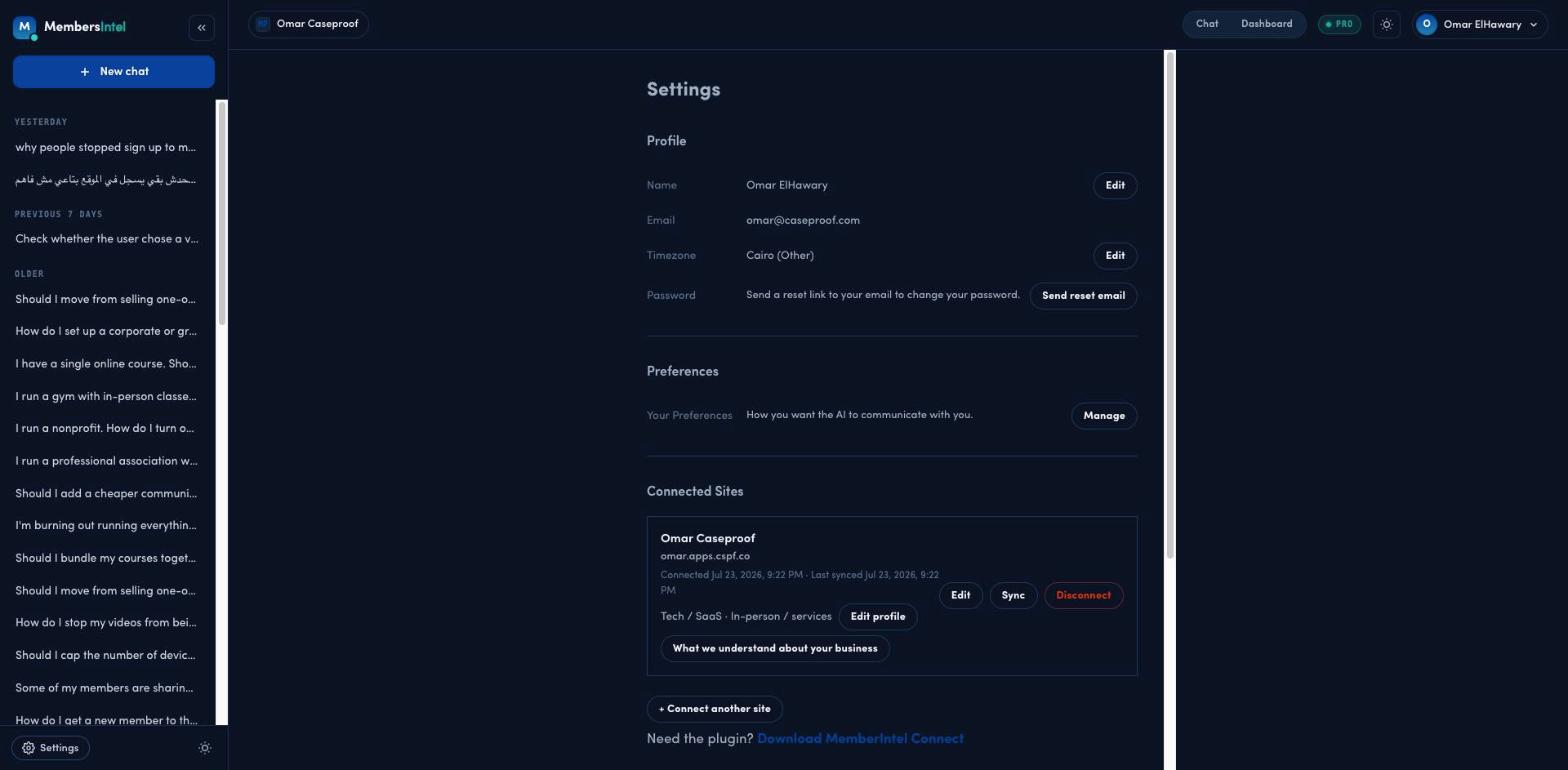
Single-site vs portfolio questions
Once you have more than one site connected, a conversation can be scoped two ways:
- Single site — the advisor answers about one specific site, using just that site’s data.
- Portfolio — the advisor reasons across all your connected sites together, so you can ask things like “which site has the worst churn?” or “where is most of my growth coming from?”
Pick the scope that matches the question — a single site when you’re working on one business, portfolio when you want the big picture across everything you run.
FAQ
Can I ask about all my sites at once?
Yes. A conversation can be scoped to one site or to your whole portfolio. In portfolio scope, MembersIntel reasons across all your connected sites together.
Does each site need its own connection?
Yes. Each WordPress site gets its own MembersIntel Connect plugin and pairing, and each syncs its own data. They then roll up under your one MembersIntel account.