Getting set up: your first few minutes
The first time you open MembersIntel, a short setup walks you through connecting your site and telling the advisor how you want it to work. It’s five quick steps, and you can skip any of them.
Step 1 — Connect your site
The setup starts by connecting your MemberPress site so the advisor works from your real numbers, not generic advice. Choose Connect site to start now, or I’ll do this later to set it up afterward.
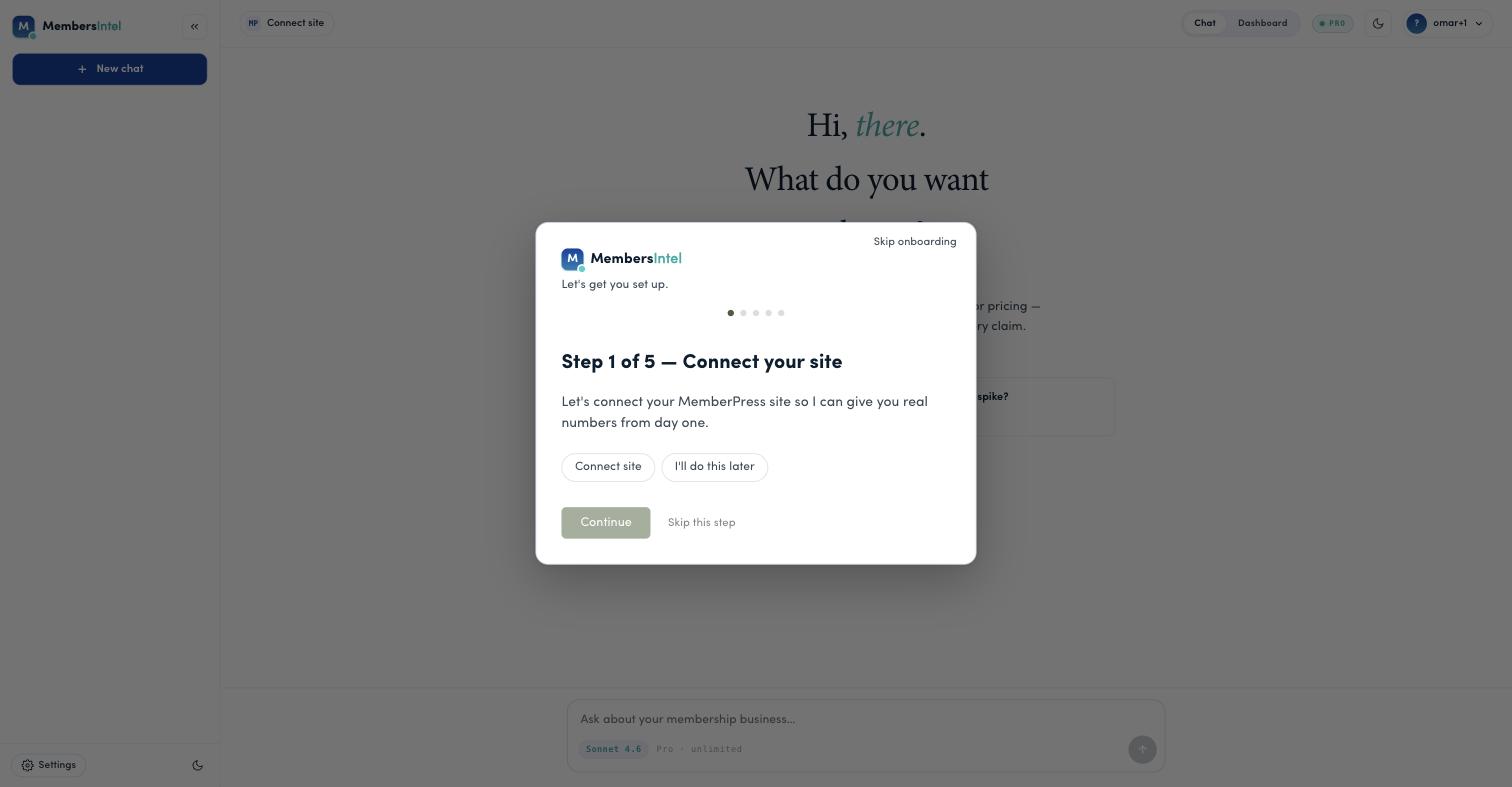
Connecting uses the MembersIntel Connect plugin. For the full connection walkthrough, see Connecting your MemberPress site.
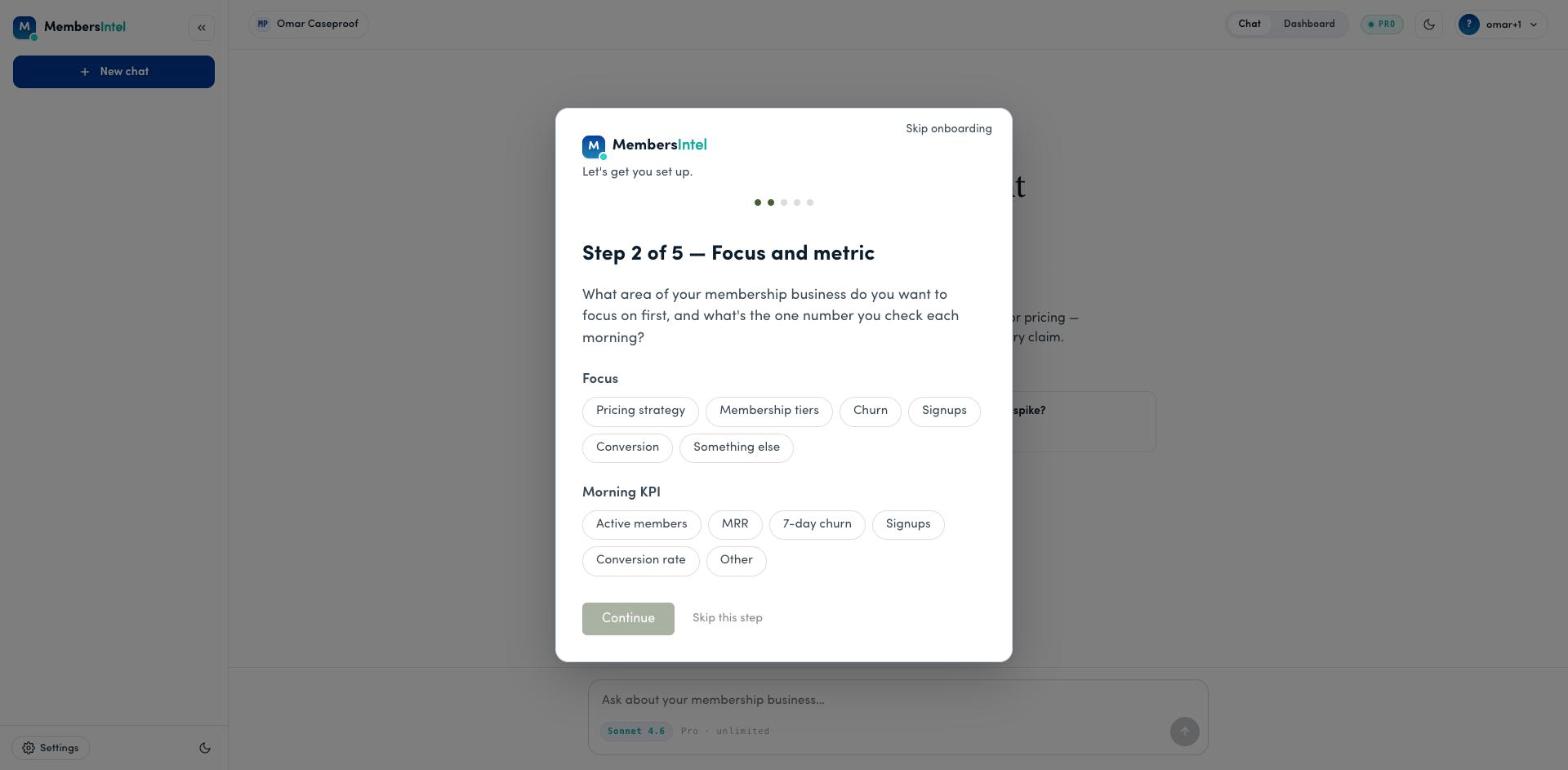
Step 2 — Focus and metric
Tell the advisor what to pay attention to: the area you want to focus on first (pricing, membership tiers, churn, signups, conversion) and the one number you check each morning (active members, MRR, 7-day churn, signups, conversion rate).
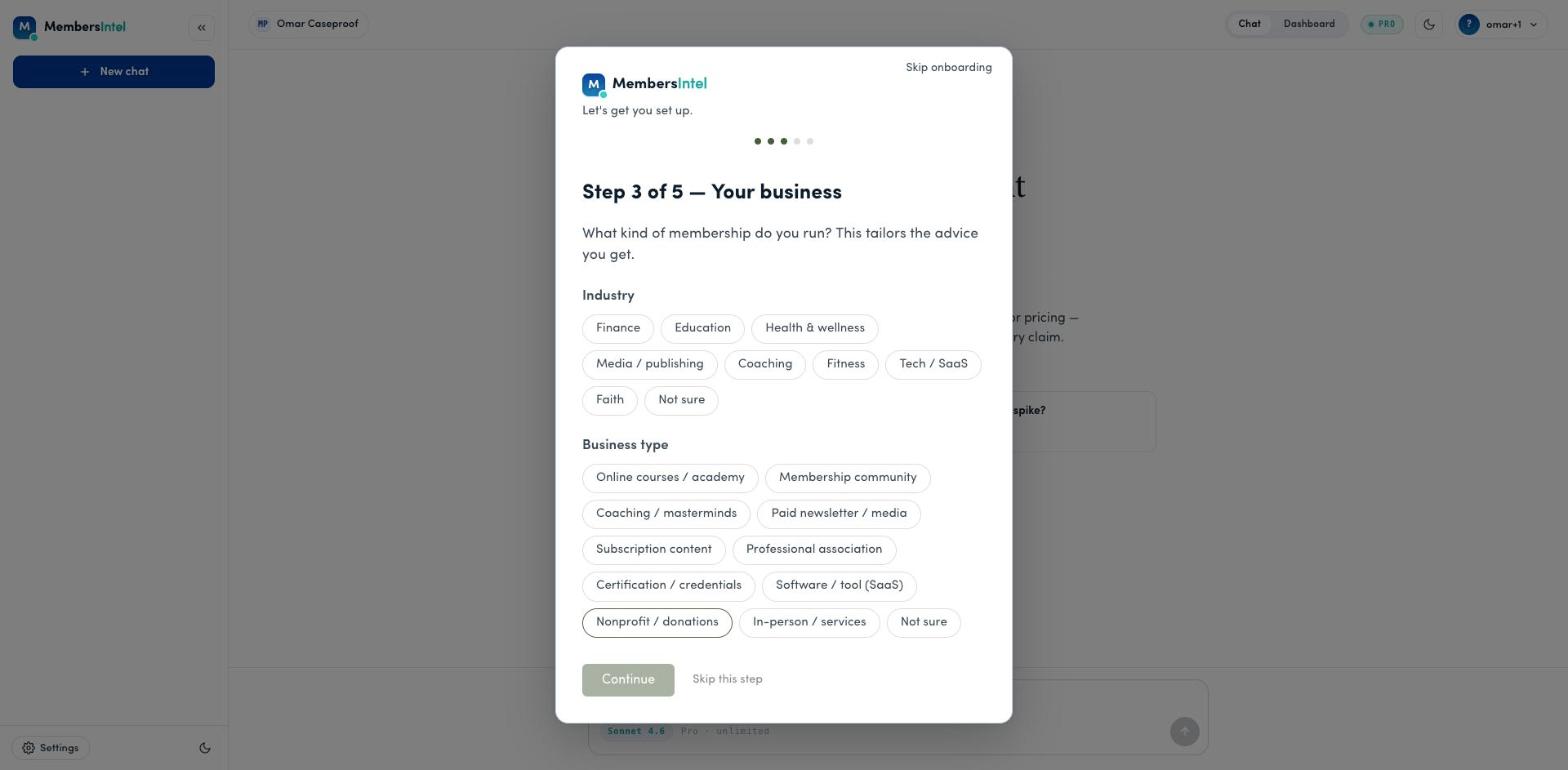
Step 3 — Your business
Tell the advisor what kind of membership you run — your industry and business type. This tailors the advice you get, so recommendations fit a coaching business, a SaaS tool, or a nonprofit rather than being generic.
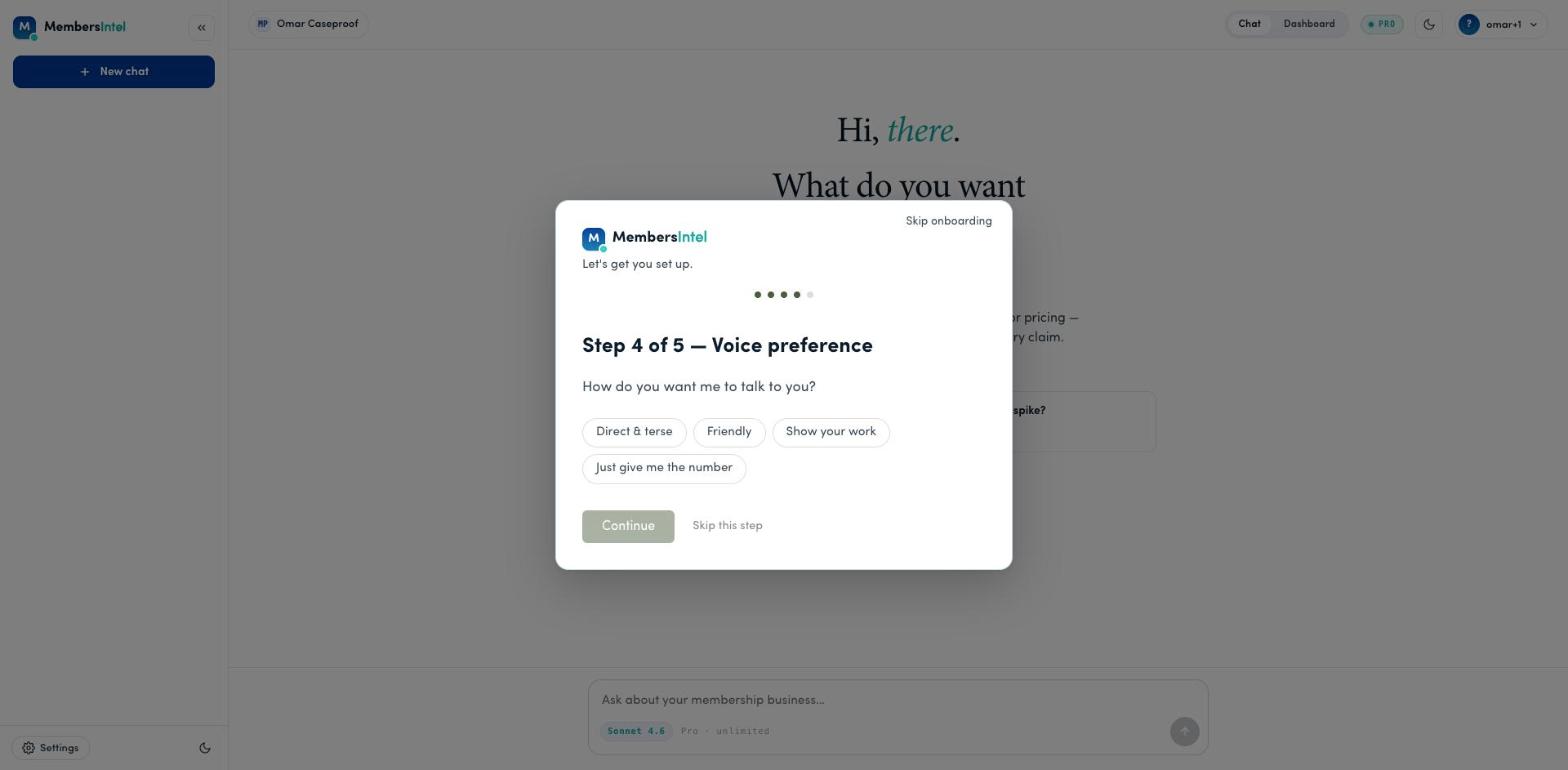
Step 4 — Voice preference
Choose how the advisor talks to you: direct and terse, friendly, show your work, or just give me the number. You can change this later.
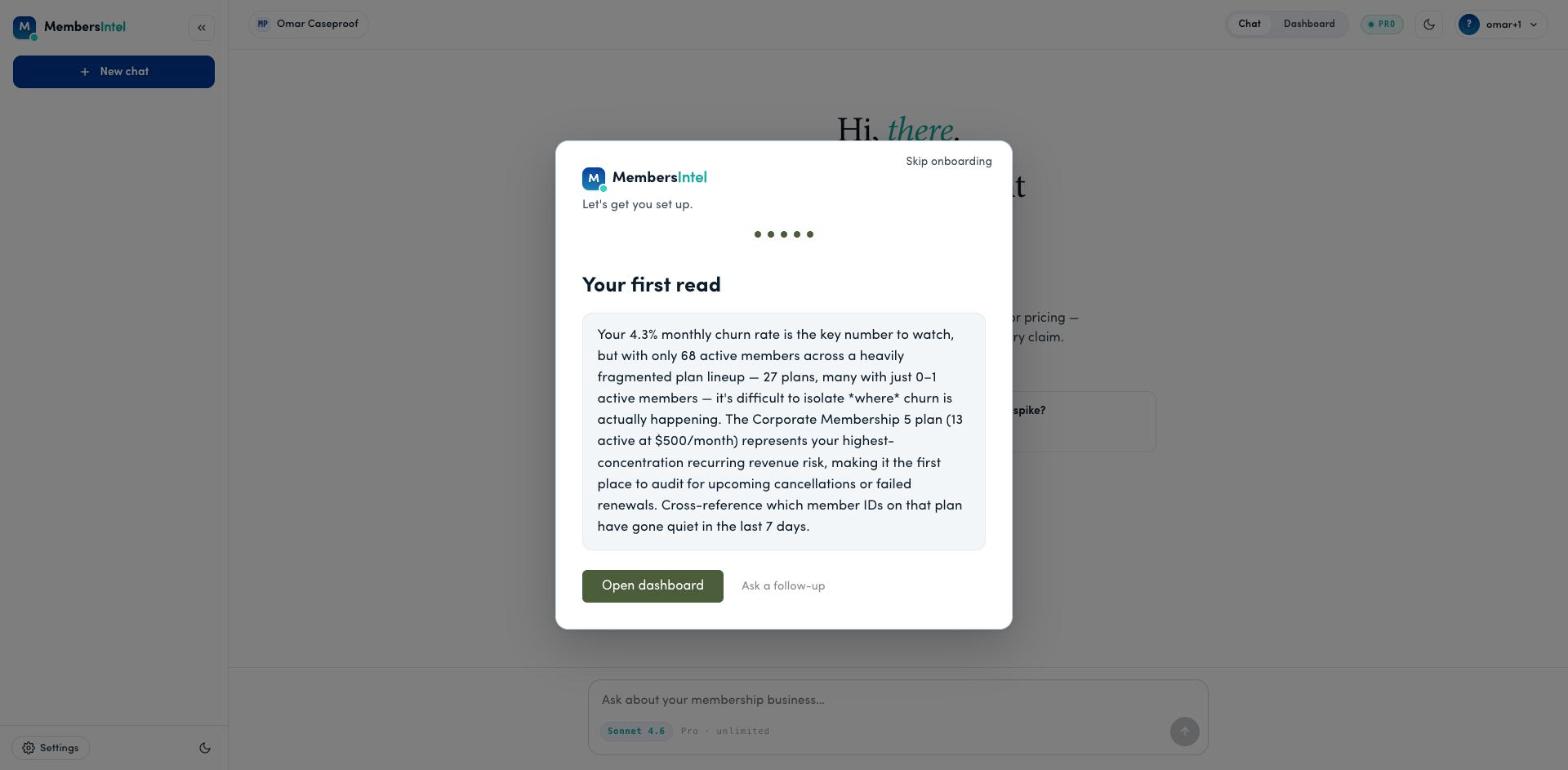
Step 5 — Your first read
To finish, the advisor gives you a first read — a short, specific take on your site based on what it just synced, pointing at the number worth your attention. From here, choose Open dashboard to see your metrics, or Ask a follow-up to dig in.
After setup
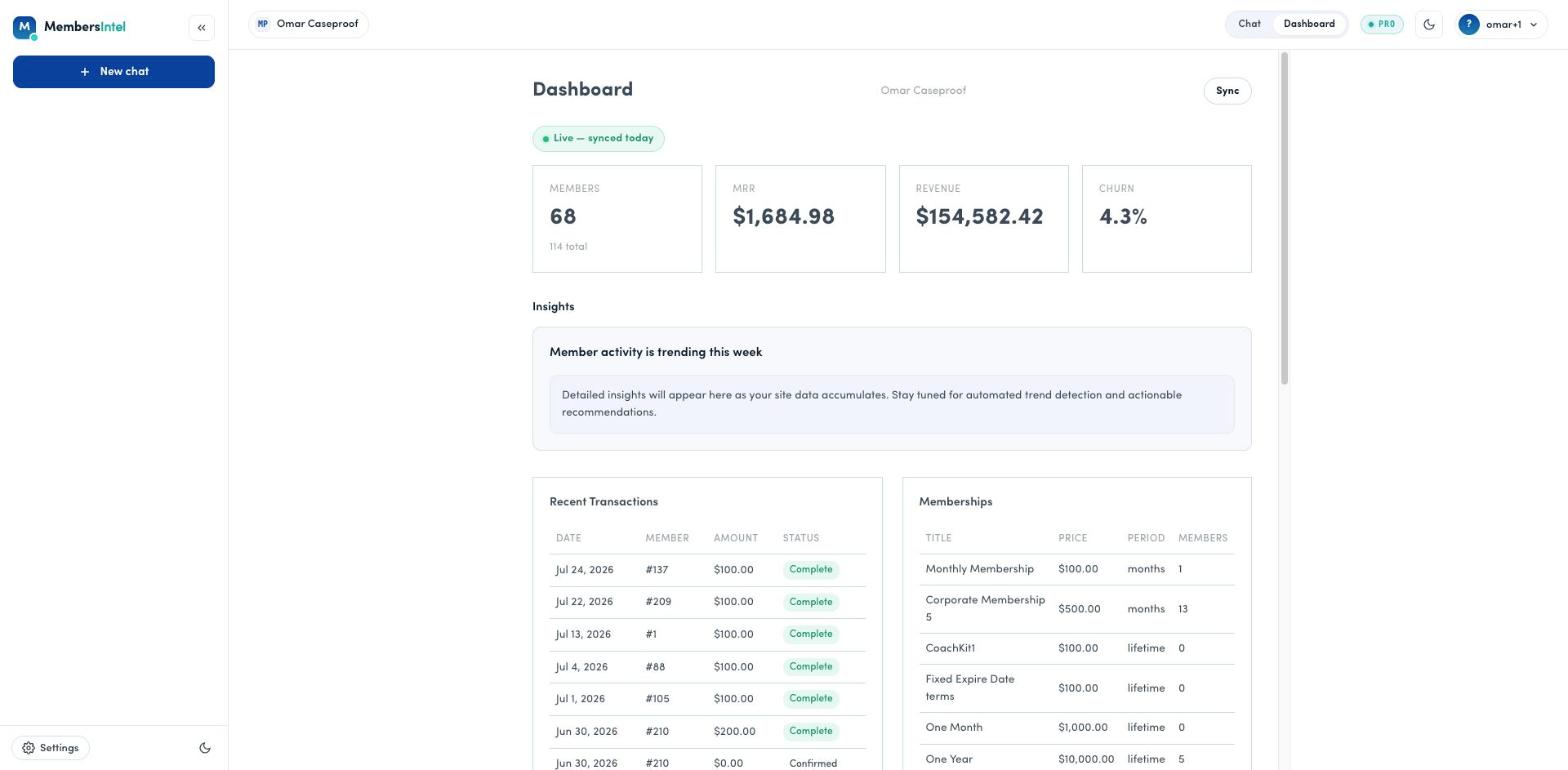
Once you’re set up, your dashboard shows your headline metrics and the advisor is ready for questions. See Your dashboard and What is MembersIntel? to get the most out of it.
FAQ
Can I skip onboarding?
Yes. Every step has a 'Skip this step' option, and you can 'Skip onboarding' entirely from the top of the dialog. You can always connect your site and set preferences later from Settings.
Do my onboarding answers change my data?
No. Your focus, business type, and voice answers only tailor how the advisor talks to you and what it emphasizes. Your numbers always come from your connected site's synced data.